
Solutions
What do you need your website to do?
Whatever brought you here, the answer starts the same way: Optise builds your B2B website, then uses intelligence to improve it every week, so it brings you more traffic, more leads, and more customers. Find your situation below, and see exactly what that means for you.
No credit card · Try in minutes
Last updated September 30, 2026








Who you are
Fast-growing startups
Your company is moving fast. Your website isn't.
- Changes ship as fast as you do
- Found on Google and in AI answers
- A fraction of agency cost
Established companies
End the redesign cycle and the developer bottleneck.
- Rebuilt from what you have
- Improving every week after launch
- Switching is not another project
Founders & CEOs
Take the website off your plate for good.
- Built, improved, and measured for you
- Approve every move, or let it run
- Results in plain numbers
Marketers
You're a marketer, not a full-time website expert.
- Ship changes without tickets
- Improvements explained in plain language
- Numbers that show marketing working
Sales leaders
Make the website your best salesperson.
- Found where buyers research
- Proof that earns trust
- Warmer pipeline for your team
What you need
Your industry
Where you're coming from
We rebuild your site from what you have, you approve it, and the old one stays live until you say go.











One platform underneath every answer
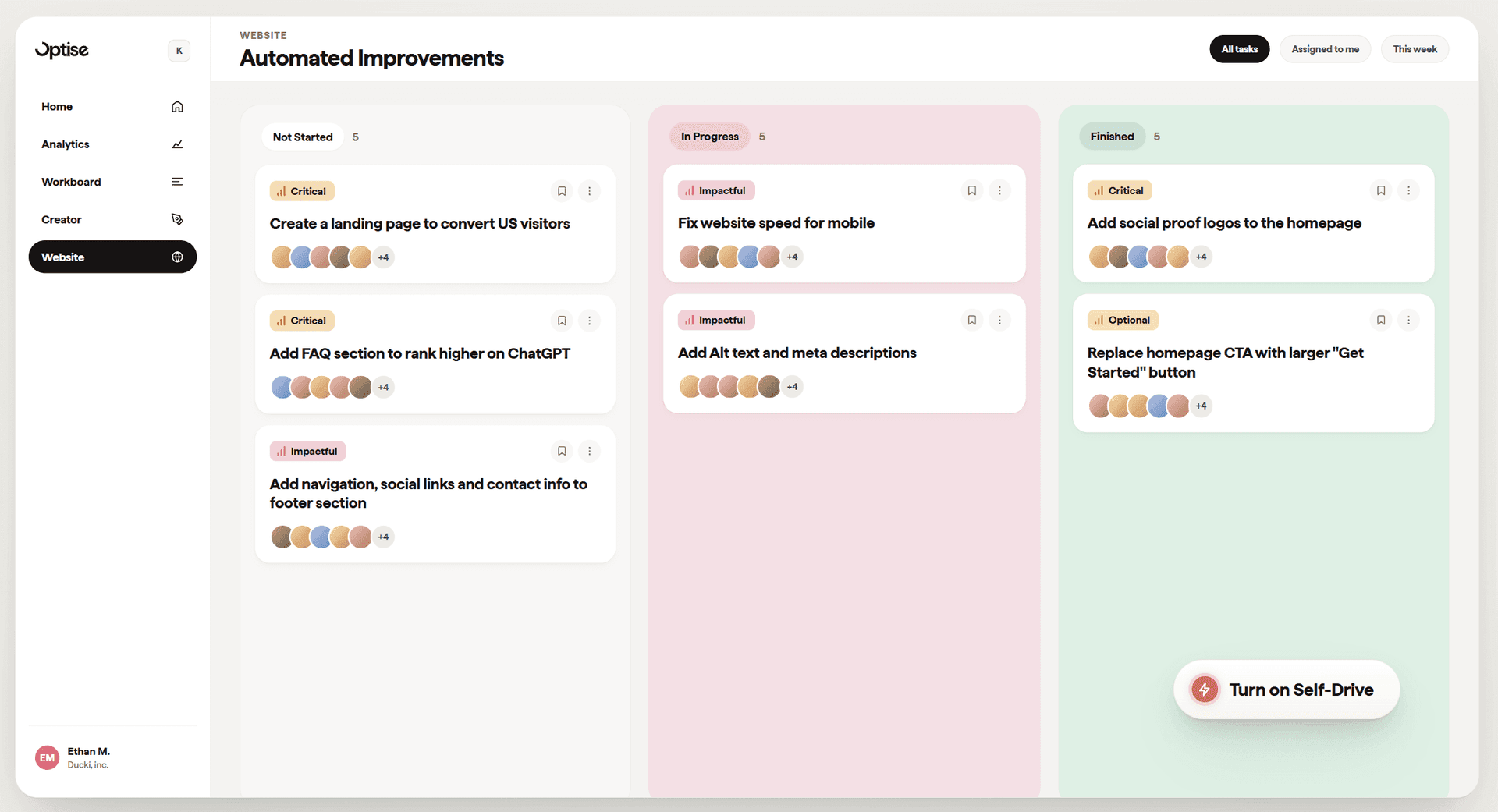
Every path above lands on the same engine. Optise is the self-improving B2B website platform: it builds your website, measures how it performs, decides what to improve, and ships the changes every week, with you approving every move. Different situations, same result: a website that gets better while you run the business.
Optise customers average 3x organic traffic growth and 4x inbound lead growth. Kaldvík grew inbound leads 315% (customer stories).
What B2B marketers say about Optise

“Optise is a game changer for me as a marketer when optimizing our website.”

Rated 4.5 on G2 · Winner, Best AI Solution in Iceland 2026
Frequently asked questions
Optise is the self-improving B2B website platform. It builds your website, measures how it performs, decides what to improve, and ships the changes every week, with you approving every move. Website, analytics, and the work itself are all in one subscription. Read more about what a self-improving website is.
B2B companies whose website should produce leads, and whose team has better things to do than run it. That's fast-growing startups without a website owner, established companies stuck in redesign cycles, and the founders, marketers, and sales leaders inside both. If the website is nobody's job at your company, Optise was built for you.
It depends on who runs the website. If you have a design team, Webflow or Framer are strong tools. If you have developers, WordPress or a headless CMS can work. If the website's job is to produce leads and nobody's job is to run it, a self-improving platform like Optise fits best. See every comparison.
Yes. Every improvement is visible before it ships. Approve it, adjust it, or do it yourself with the visual editor. Full control, full autopilot if you want it.
When you need a beautiful website that just works.
Free to start. No credit card. Try in minutes.